Appearance
Predefined Kits
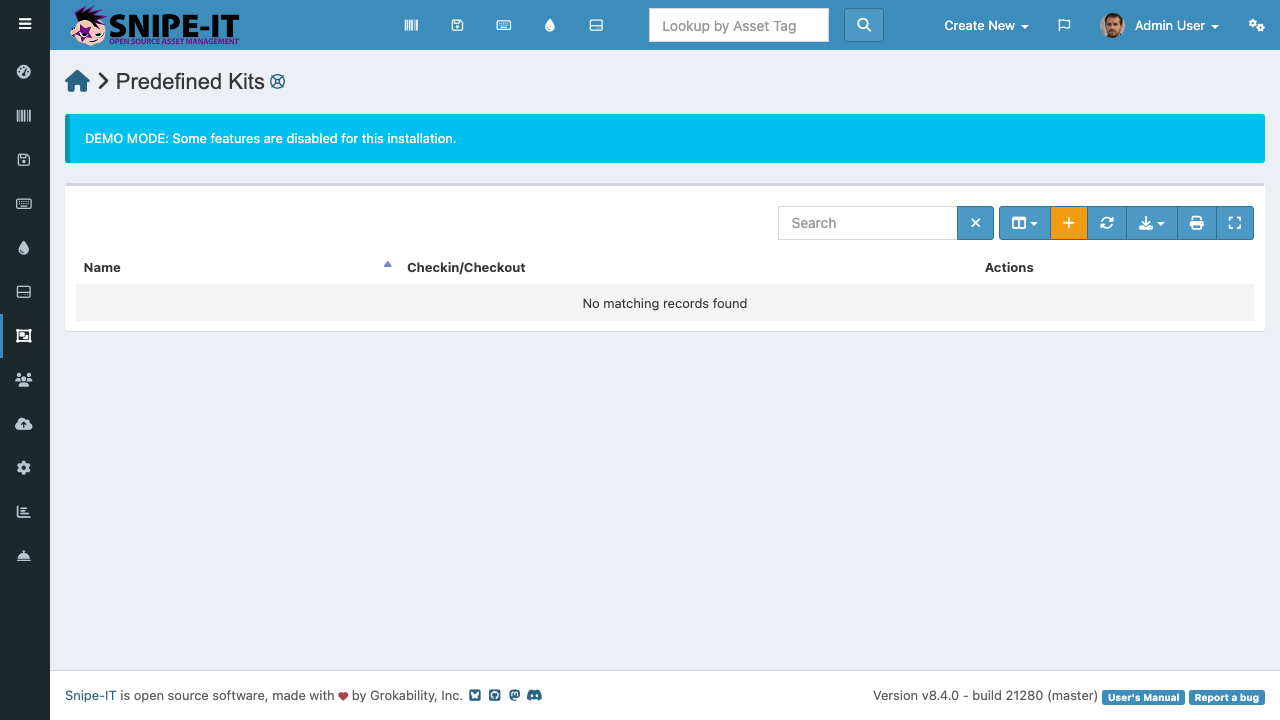
Predefined Kits let you bundle assets, licenses, accessories, and consumables into standard packages that can be checked out all at once. This is useful for onboarding new employees or setting up standardized workstations.
What is a Kit?
A kit is a template that defines a standard set of items. For example, a "New Developer Onboarding Kit" might include:
- 1 Laptop (asset)
- 1 Adobe Creative Cloud license (license seat)
- 1 Keyboard and 1 Mouse (accessories)
- 1 Pack of sticky notes (consumable)
Instead of checking out each item individually, you check out the entire kit to a user in a single operation.
Creating a Kit
- Click "Create New" [1] and select "Predefined Kit"
- Give the kit a descriptive name
- Add items from each category: assets (by model), licenses, accessories, and consumables
- Save the kit
Using a Kit
To deploy a kit to a new user:
- Open the kit from the Kits list
- Click "Checkout"
- Select the target user
- The system creates individual checkout records for each item in the kit
This ensures consistent provisioning and reduces the chance of forgetting an item during onboarding.
Managing Kits
Edit kits as your organization's standard equipment changes. For example, when you switch from one laptop model to another, update the kit template so all future onboardings use the new model.